What you will learn
- A polished screen should still make stakes and rules readable.
- Portrait and landscape layouts may organise information differently.
- Fast loading does not establish website credibility.
Start with essential information
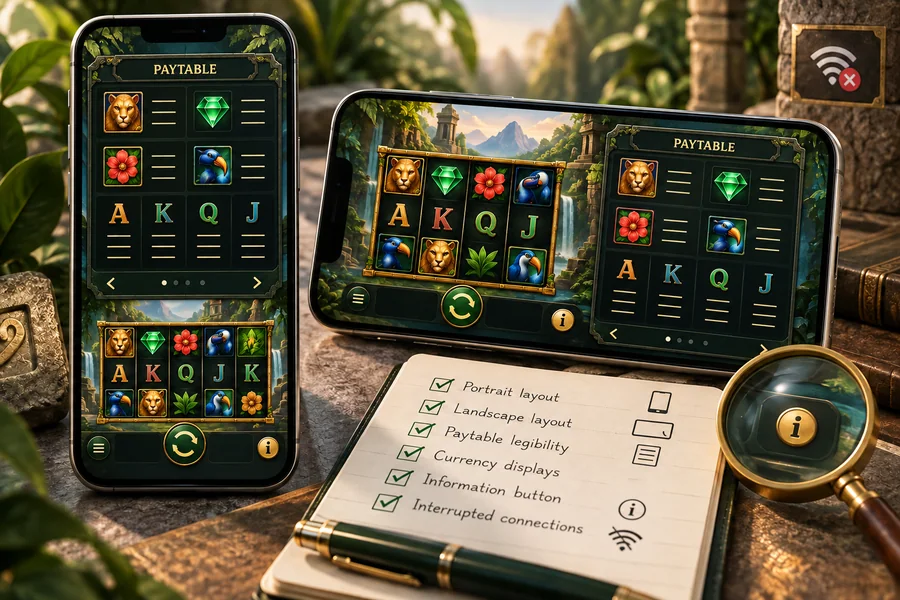
Artwork and animation can fill a small screen, but the important details still need to be readable. Find the stake, currency, last result and Help button without zooming. If a banner or floating control covers them, get a clear view before taking another action.
Try portrait and landscape views and check whether the controls and tables remain clear. PG’s documentation lists supported devices and screen proportions, but menus or controls added by an operator may be arranged differently.
Inspect state after an interruption
If a connection stops during a round, inspect status messages and history before repeating an action. A missing result on screen does not establish cancellation. Record the time and any transaction identifier for support.
| Check | Useful evidence | Record |
|---|---|---|
| Stake | Clear amount and unit | Screen position |
| Game help | Readable and easy to exit | Unclear labels |
| Round status | Status message and history | Time and identifier |
Compare clarity systematically
Apply the same tasks across interfaces: open help, read one rule, locate the stake and return to the main screen. Specific observations are more useful than an unexplained “smooth” score.
- Important controls can be tapped without adjacent collisions.
- Paytables remain readable and scroll within their container.
- There is no requirement to download files from an unverified source.
Frequently asked questions
Does faster mobile loading mean a better game?
It describes loading in those conditions, not RTP, credibility or outcomes.
Sources
Last checked 10 October 2026